LDCloud
Recharge
SALE
English
FAQ 1: How to Use Batch Operation in Android and iOS Version
Update Time:2022-05-11 16:12:53
How to use the batch operation in LDCloud Android and iOS versions might be a question for new users. Today, we would like to tell you how to use batch operation in your cloud phone.
1. Tap Batch Operation.
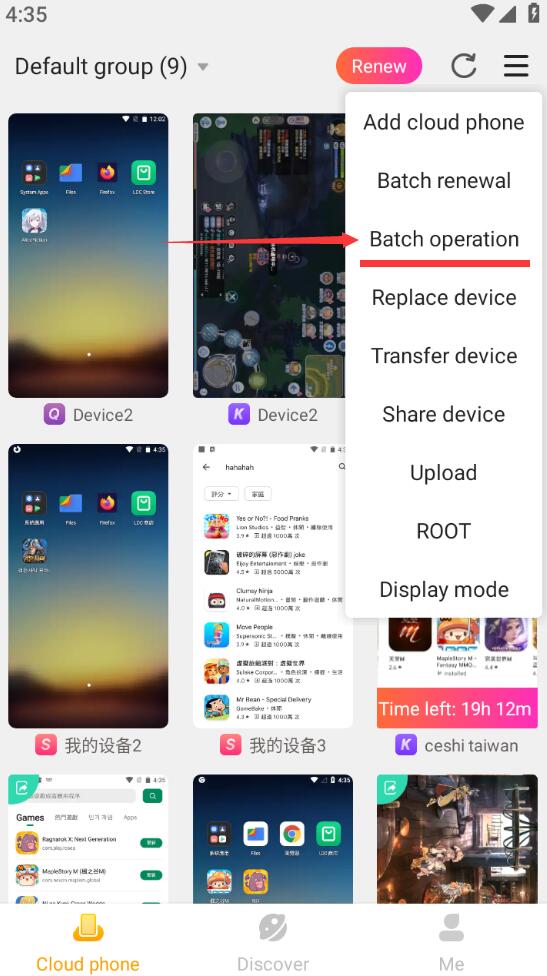
2. Select the devices you want to manage, or select all.
3. After selection, you can choose factory reset or restart.
